Digitizing Medical Books: Buying Pre-Cut Copies Cheaply and Turning Them into a Personal Database I Can Search with AI
No video for this article
Contents
"I bought an expensive medical book, and I never ended up reading it." If you are a doctor who buys medical books, this probably sounds familiar.
Medical books are expensive, and they are also heavy, so you can't carry them around. They are not at hand when you want to read them, you never find the time to read them, and they tend to end up sitting untouched.
In this article, I describe how to turn medical books into PDFs cheaply and how to use those PDFs with AI afterward. I run an AI agent on my MacBook, so I write with that setup in mind.
Conclusion
I digitize basically all of my medical books and combine them with guidelines available online to build my own personal database. When I have a clinical question, I ask the AI from my phone and have it answer using only my own materials as evidence.
The process is as follows.
-
Scan books into PDFs
-
Also collect guideline PDFs from the internet
-
Have the AI organize the collected PDFs into a database
-
Use the database to have the AI answer clinical questions
-
Add what I looked up to my own notes
Turning Books into PDFs
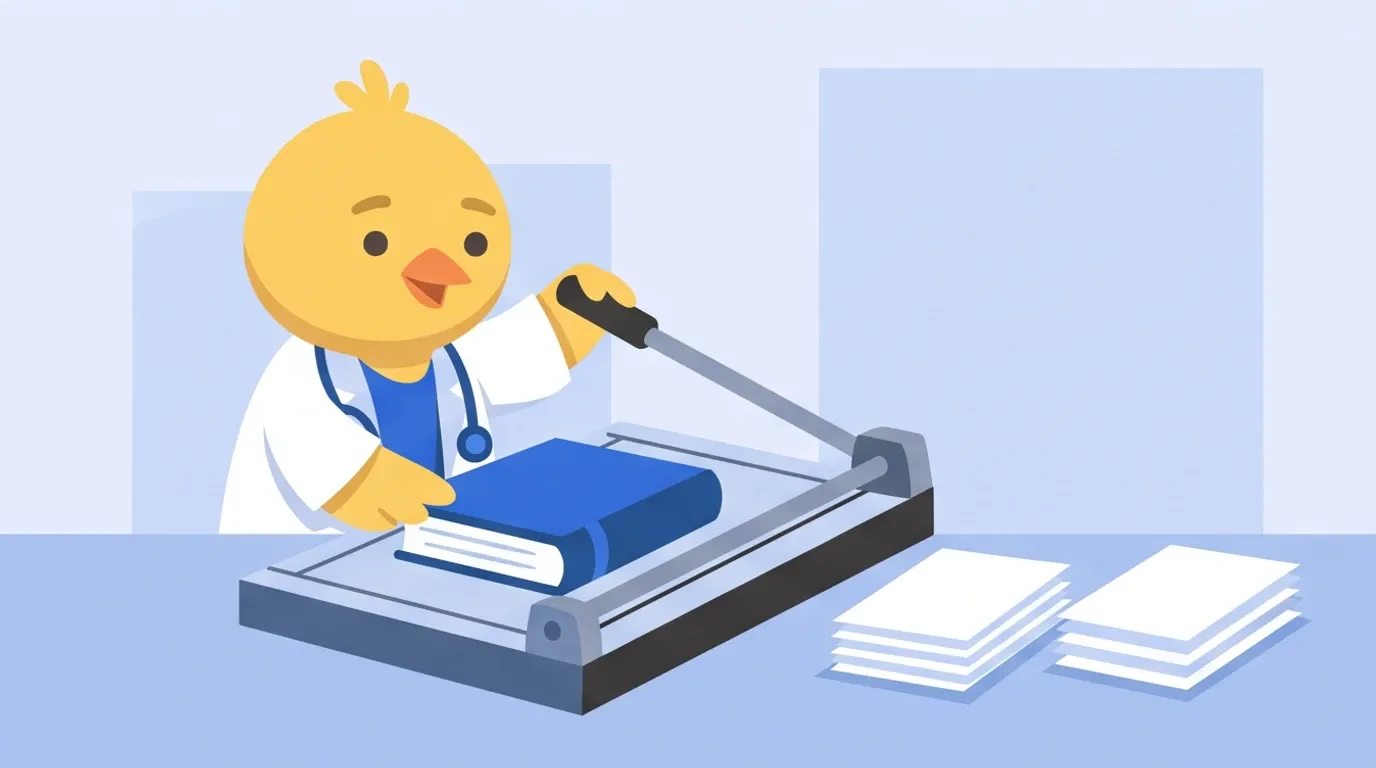
First, I turn the books into PDFs. This is what is called jisui in Japan (literally "cooking for yourself"): cutting off the book's spine so the pages come apart, and then running them through a scanner.
Many people have already written up how to make PDFs from books, so I will only describe it roughly here.
I scan books myself rather than buying e-books or PDFs because I want to keep all of my data in one place and manage it however I like.
Buying Pre-Cut Books on Mercari
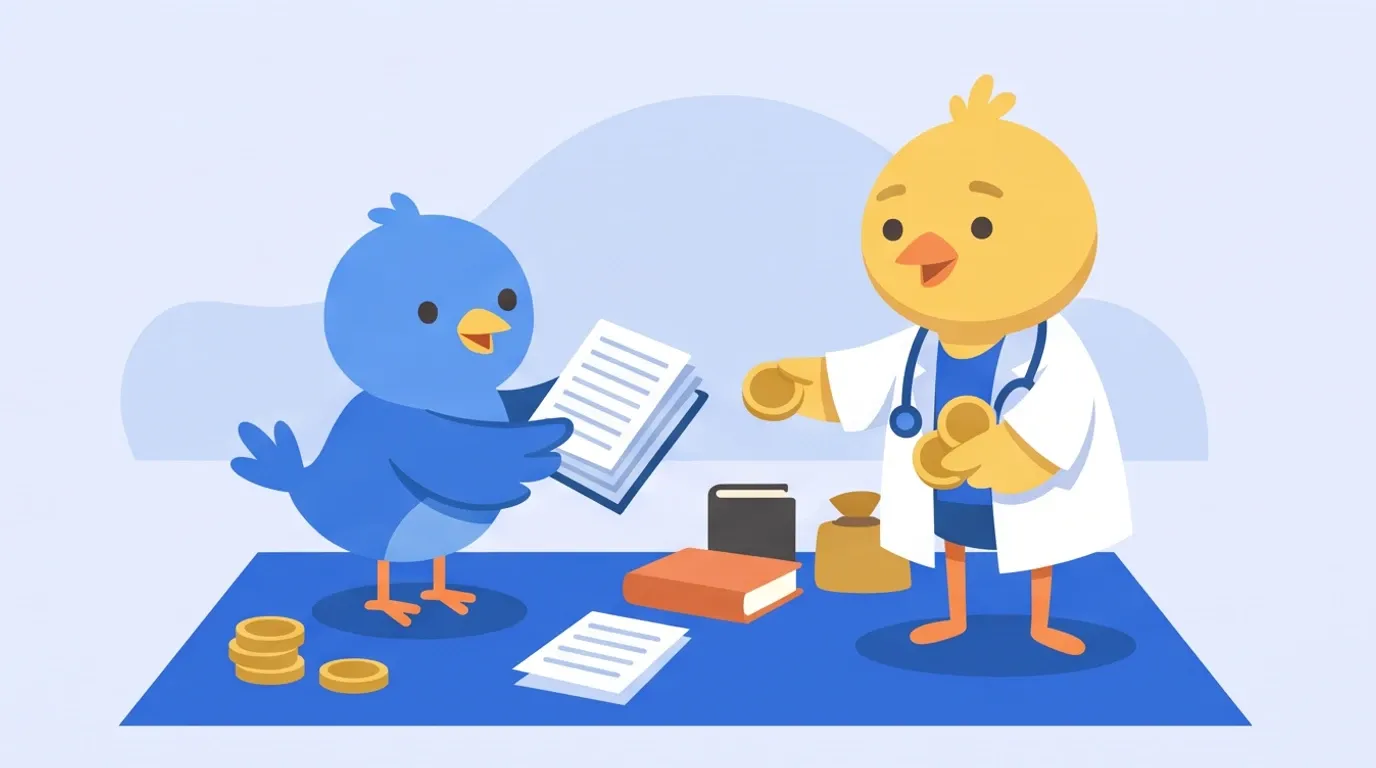
For popular medical books, pre-cut copies are usually listed on Mercari (a Japanese flea-market app). For example, the standard Naika Rejidento no Tessoku (Rules for Internal Medicine Residents), 4th edition, was priced as follows as of February 2026.
-
Amazon, new: ¥5,280
-
Mercari, pre-cut: about ¥4,000
If the book is popular, you can usually sell it for about the same price after scanning it. Selling it involves a sales fee and shipping, which for this book come to about ¥700 in total.
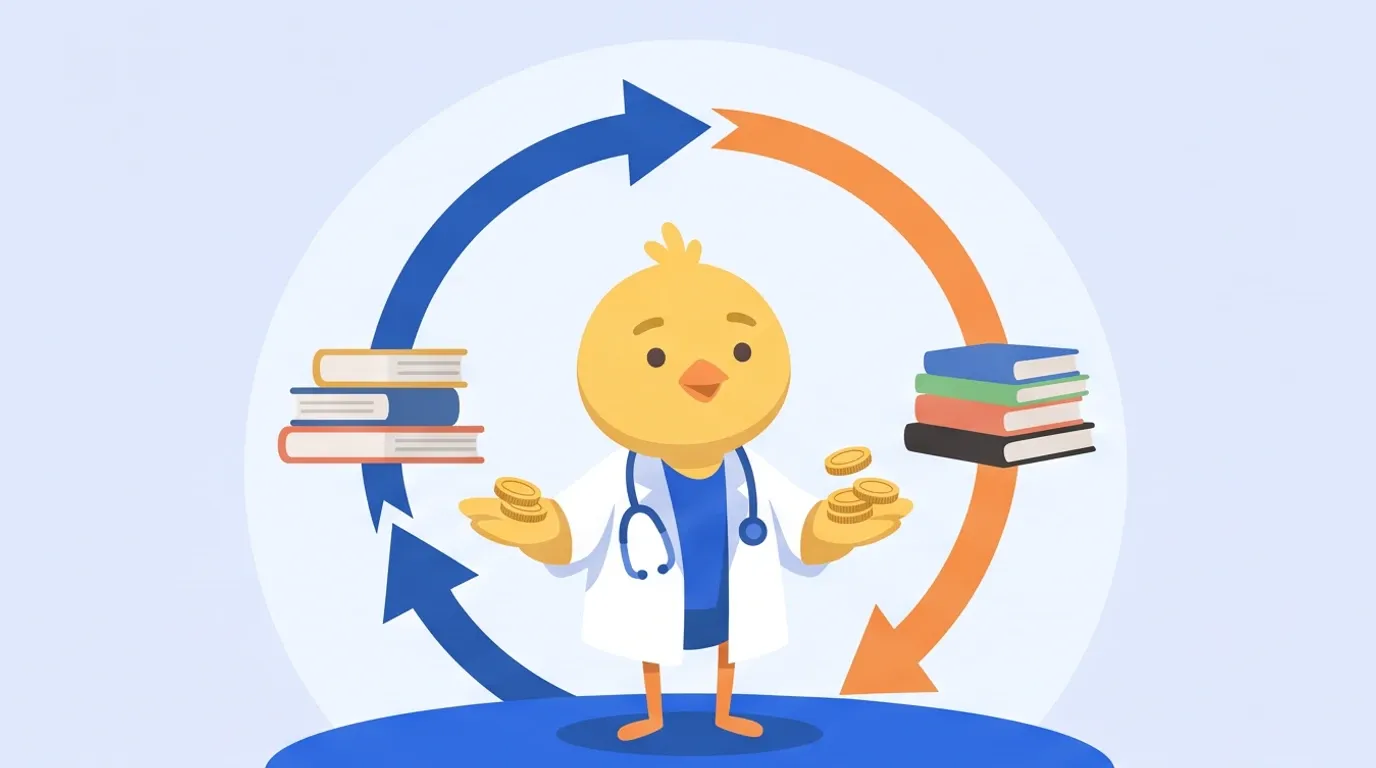
In other words, you get the PDF for about 13% of the cost of a new copy. It depends on the book, but by using this Mercari cycle, it feels like always buying at around 80% off.
Even for niche books that I don't expect to be able to sell, I still buy pre-cut copies if they cost about the same as a new one. The benefits of scanning outweigh the cost.
Selling also takes surprisingly little effort. What buyers want is not a nice-looking book but a stack of paper they can scan.
After checking that the PDF has no problems, I just take one photo from above and list it at the price I paid. I can make the listing page simply by using the page I bought it from as a reference.
Once you get used to it, it takes only a few minutes. Books with specialized content can be hard to sell, but if one really won't sell, I think it's fine to just throw it away.
If You Can't Find One, Use a Cutting Service
For obscure books, pre-cut copies may rarely appear on Mercari. In that case, I buy a new or used copy and send it to a cutting service.
Cutting a thick medical book yourself with a box cutter is a huge hassle, so I don't recommend it.
A service like Book Cut Japan will cut it for about ¥100 per book plus shipping. I have used it several times, and they cut very cleanly.
Book Cut Japan: Per-Volume Plans
Doing the Scanning Myself
Having someone else scan the books for you, through a so-called "scanning service," can be a problem under Japanese copyright law in some cases, so I do it myself.
As for scanners, I think either a ScanSnap or an EPSON document scanner is fine. I use an EPSON one.
Most scanners can be set to save scanned PDFs to a specific folder. From here on, the AI processes the PDFs that land in that folder.
Also Collecting Guideline PDFs

Next, I also have the AI collect guideline PDFs that are published free online. I specify which guidelines I want by name or URL.
In my case, I collect the ones I use often, such as those for hypertension, diabetes, chronic kidney disease, and heart failure.
This gives me a full set of PDFs of books and guidelines. Next, I have the AI organize them all together.
Having the AI Organize the Collected PDFs

I plan to cover how I set up the AI agent in a separate article. Here, I will only describe what I have the AI do.
You can give an AI fixed procedures for specific tasks in the form of "skills." I have created a skill for processing PDFs, so all I do is run it.
A scanner can only read a limited number of pages at once, so one book ends up split into multiple PDFs. The skill first merges them into a single PDF and automatically renames the file to the book's title.
Then it runs the Mac's built-in text recognition. It puts the PDF in the medical book folder and the extracted text in a separate folder, and checks that the text can be found by searching.
Guideline PDFs are processed with the same skill. For those that already contain text, it extracts the text as is without running text recognition.

The skill handles all of this, so it takes almost no effort. About all I do is check that a PDF with the same name as the book title is in the folder.
This produces a database filled only with the text of books I bought myself and of guidelines.
I keep the medical book folder inside an app called Obsidian and sync it with my phone, so I can view it from my phone as well. I have written about Obsidian in this article.
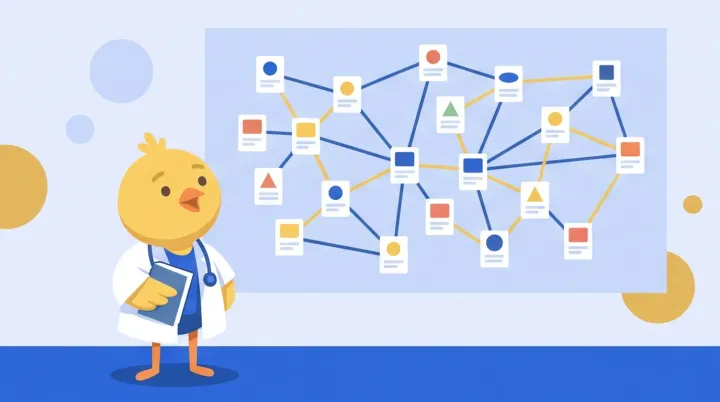
Keeping the Text Separate from the PDF
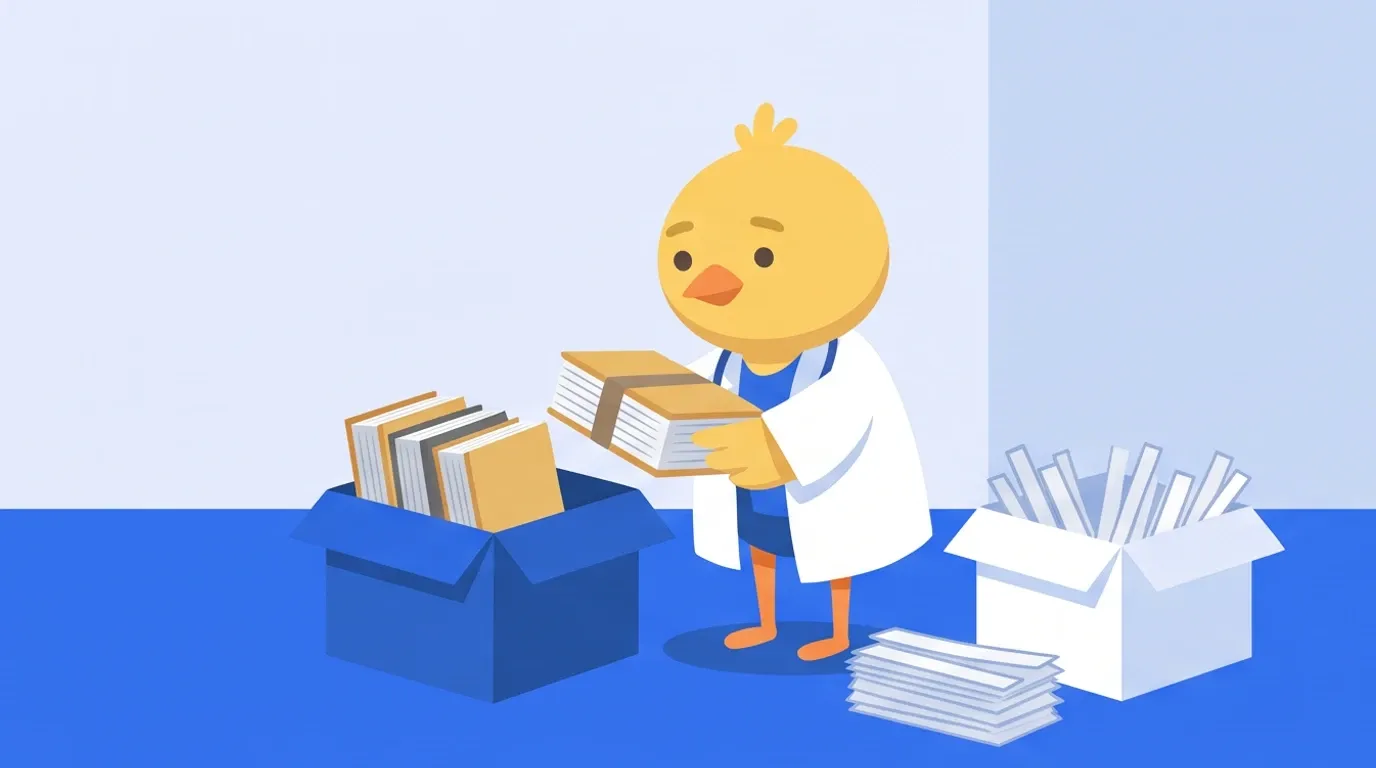
Some scanners also come with a text recognition feature. However, when I tried it, the accuracy was lower than the Mac's text recognition, so I don't normally use it.
With the scanner's feature, the text is embedded as a layer on top of the PDF. This increases the file size and makes later processing more troublesome, so it is better to keep the PDF and the text separate.
Having the AI Answer Using Only My Own Materials
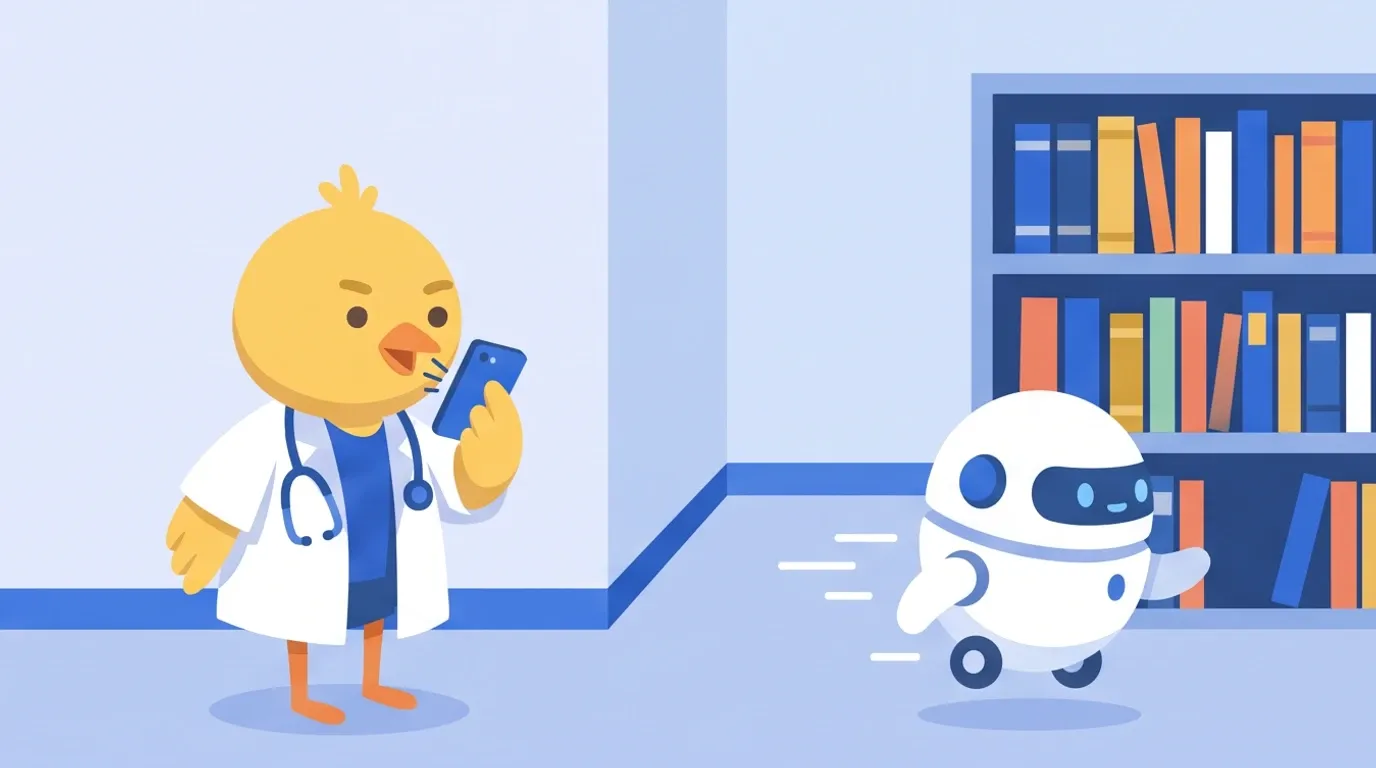
Finally, here is how I look things up using this database. When I have a clinical question, I ask the AI from my phone.
Unlike searching the internet, the AI answers using only the materials I have collected as evidence. If something is not in the materials, it answers "not in the materials" and does not fill the gap with general knowledge.
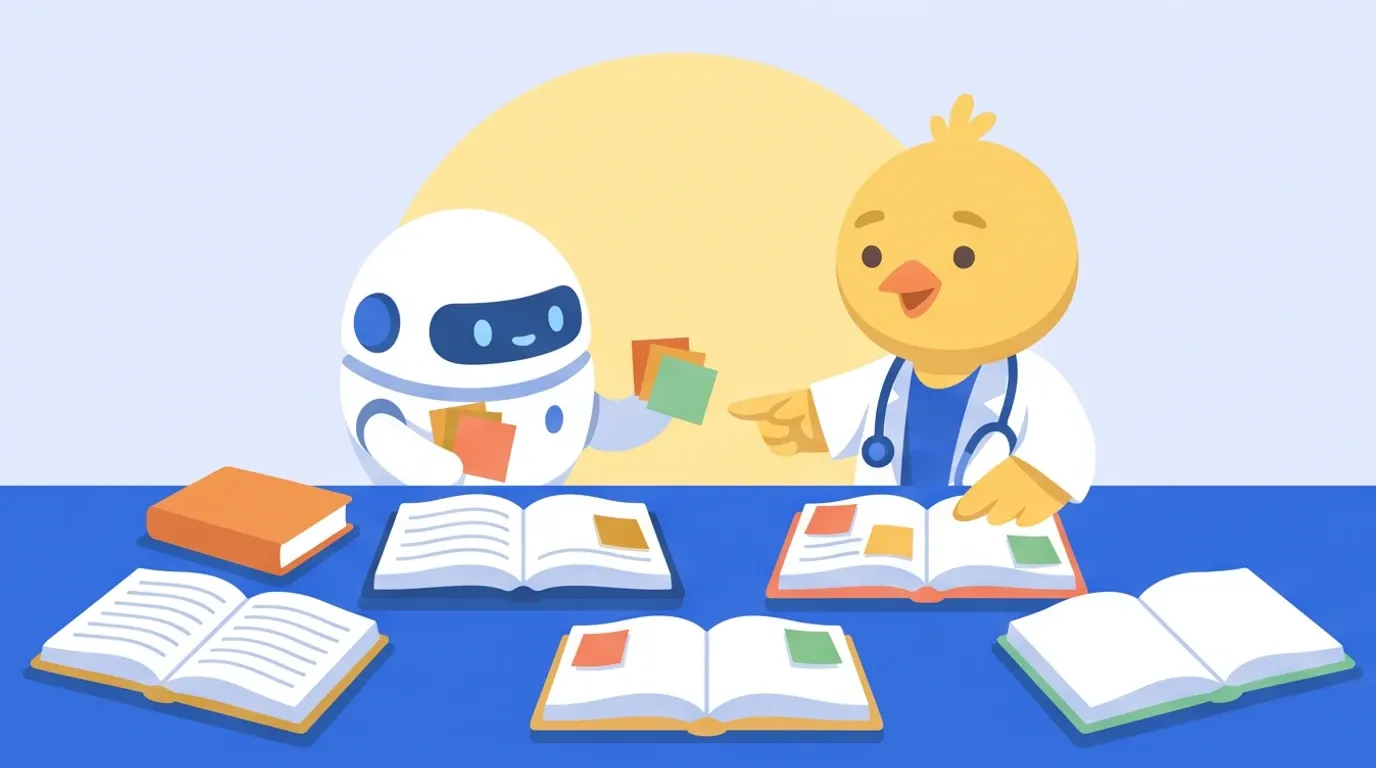
For the search, I combine three techniques: HyDE, full-text search, and reranking. Put simply, they work as follows.
-
HyDE: First, guess the words that are likely to appear in the answer
-
Full-text search: Use those words to search all of the books and guidelines
-
Reranking: From the hits, reselect the passages that directly answer the question
Trying It with the Target Blood Pressure for an 80-Year-Old
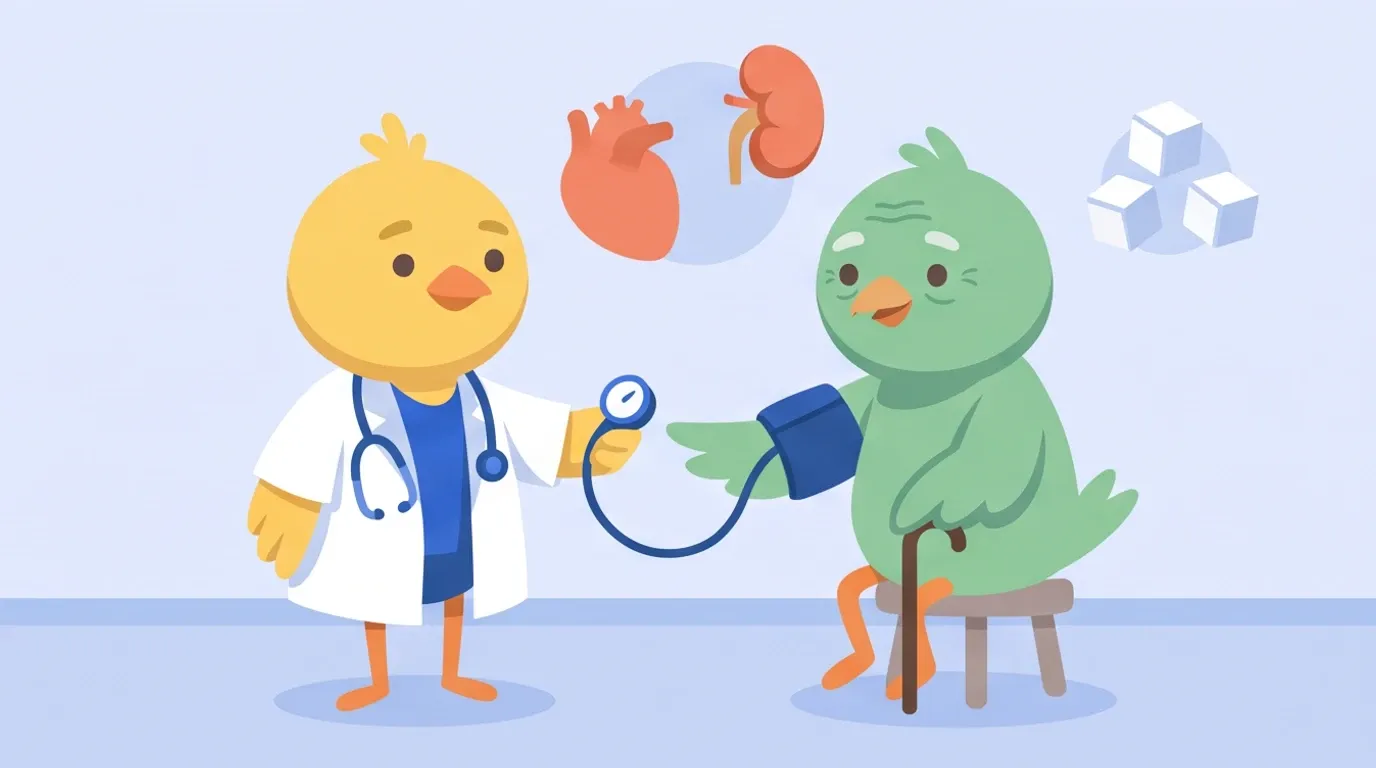
For example, suppose an 80-year-old patient comes in with heart failure, diabetes, hypertension, and chronic kidney disease. When I asked, "What is the target blood pressure?", the process went as follows.
First, HyDE generates the words likely to appear in the answer. Besides "blood pressure target" and "130/80," it drew on disease names, drugs, abbreviations, and symptoms to produce terms such as "CKD," "HFpEF," "SGLT2," and "frailty."

Next, it searches all of the materials with those words. This time, out of about 280 books and guidelines, 221 had hits.
However, when they were sorted by number of hits, the top of the list was filled with materials that used the word "CKD" a lot. The materials that served as the basis for the answer were ranked 35th and 82nd.
So it first looked at materials that have a chapter on blood pressure targets and picked up the 236 relevant lines. Reranking then narrowed these down to the 5 passages that directly answer the question.

Finally, it reads the surrounding pages and answers. This time, the main basis was a statement on blood pressure management in chronic kidney disease, and it also cited the guidelines for heart failure and for diabetes in older adults. It took about 3 minutes.
I have the AI write the results into Obsidian, which I mentioned earlier. I also have it include links to the PDFs of the source materials, so by tapping one, I can actually check whether the answer is correct.
The links point to files synced to my phone, so they open right away.
Adding What I Looked Up to My Notes
In Obsidian, I keep medical notes that I have put together in my own way. Right in the flow of looking something up, I can ask the AI, "Add this here."
Because I have the AI edit my notes, I keep a history of changes with Git. There are plenty of articles and videos explaining how to use Git, so I will leave that to them. I used this video as a reference.
AI de Saborou Channel: Git + GitHub for Non-Engineers (YouTube)
Don't Stop at Scanning
To sum up, whether a medical book is useful depends on how you keep it after you get it.
On paper, books are heavy, you can't carry them around, and they tend to pile up unread. Even if you only scan them, they just sit in a folder.
If you build a database from only the books and guidelines you have chosen yourself, you can look into a clinical question on the spot and check it all the way down to the page that supports the answer.
The point is whether you can keep the medical books you went to the trouble of buying in a form you can use when you need them. Collecting them cheaply, digitizing them, and turning them into a personal database you can search with AI is my answer.